
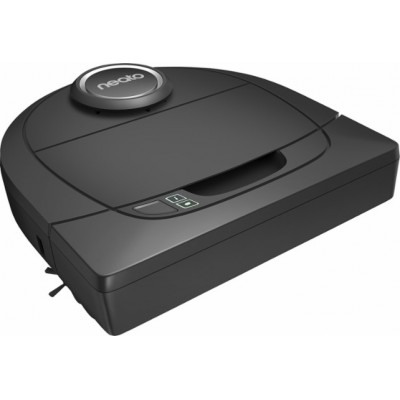
Neato Botvac D3 Navigating Wi-Fi Robot Vacuum The Botvac D3 Connected has smart laser navigation, po..
$399.00
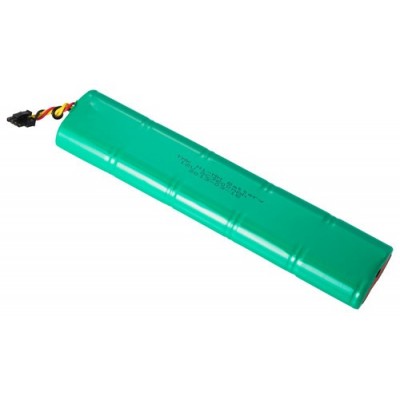
Neato Botvac Replacement Battery Keep your Neato Botvac™ running at peak performance with a new..
$49.99
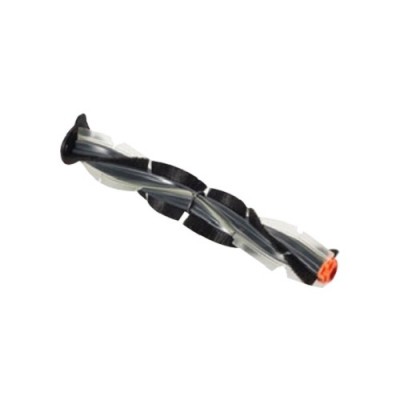
Neato Botvac Combo Brush Best All-Around Brush, Great for Homes with Pets and Allergy Sensitivities...
$39.99
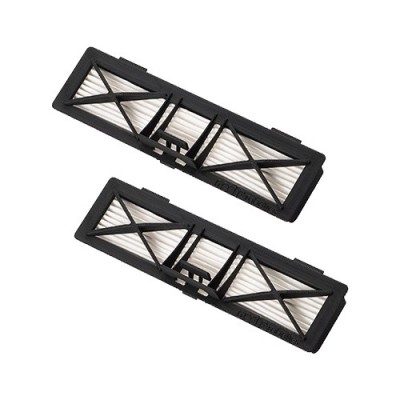
Neato Botvac Ultra Performance HEPA Filter 2 Pack Best for those concerned with allergies and for mi..
$29.99

Inkgrabber has always been good to us, and that is why you have earned our loyalty.
The individual that helped me place my order was most helpful and accommodating to my questions and requests. High remarks!
Inkgrabber.com always comes thru for us. They are, especially Eric, our customer rep, is professional, friendly, knowledgeable, and we are happy to deal with Inkgrabber.com
Thanks for making my experience as effortless as possible to purchase ink. Also, well done with having the cheapest prices on the web and a killer customer service team. Will shop again soon.
I didn't use the chat. I ended up calling my order in. Very nice gentleman. Very good help!!!!!
I was worried and anxious at the start of our chat, but by the end, I was smiling and feeling like your company was truly living up to your guarantee. So many companies these days have CS agents who don't seem to have much knowledge or patience. Thankfully, Inkgrabber had both. Not only that, your rep- Katie had the perfect temperament for this type of job, dealing with people who initially are dissatisfied with either the product or service and therefore may be on edge, or even angry. She very calmly answered all of my concerns and even offered to telephone me in order to further explain your return process. I only wish other companies had people like Katie in their employ. It sure would make life and commerce a lot easier for today's consumer! Thank You!
Thanks for helping my business save money on all the toner that we go through. A+ I recommend you guys when ever possible.


